

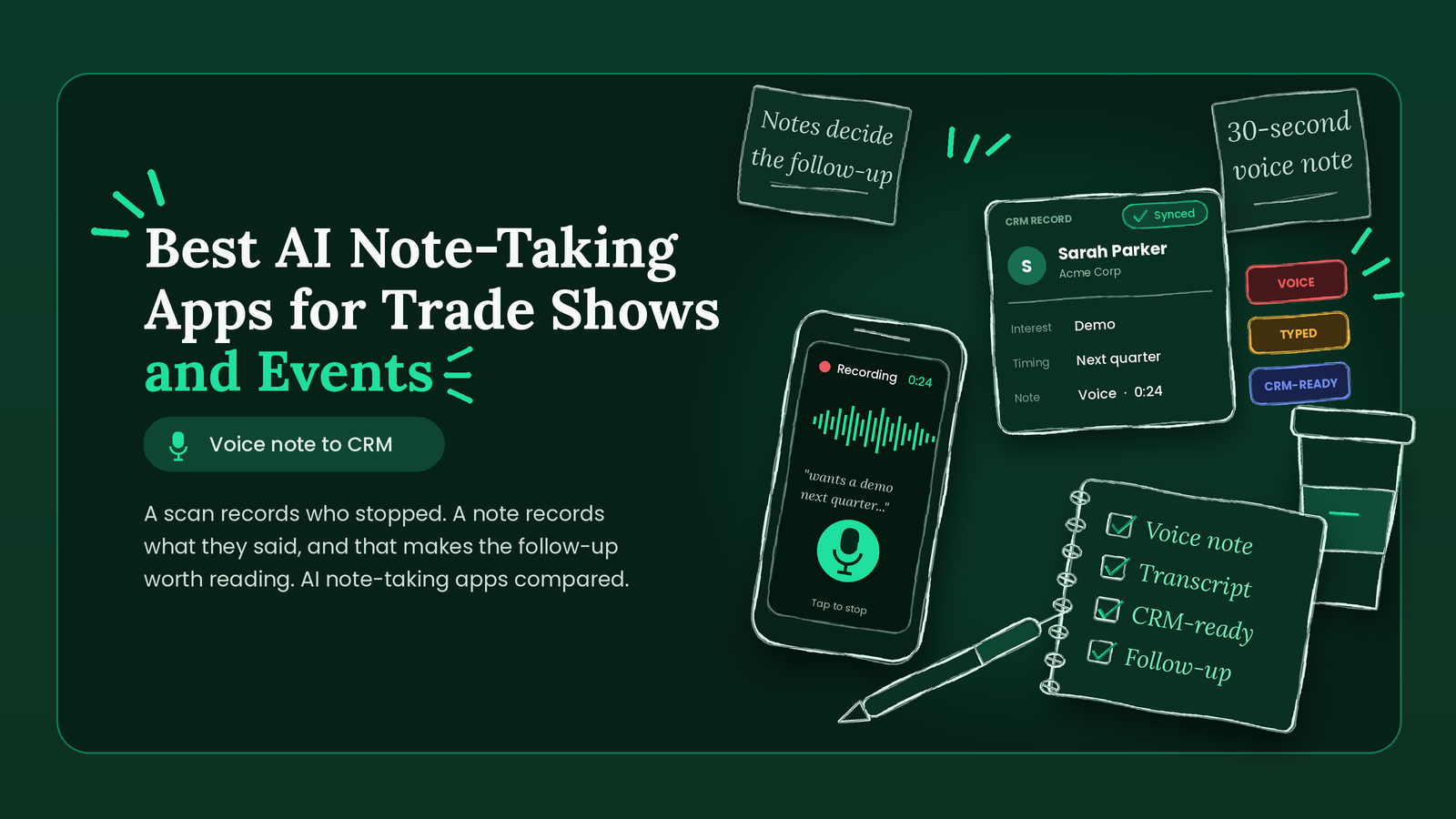
A scan records who stopped. A note records what they said, and that is what makes a follow-up email worth reading. Yet booth notes are the part of lead capture that suffers most: typed on a noisy floor with cold thumbs, or skipped altogether. This guide compares AI note-taking tools for trade shows and events, so you can choose the best note taking app for trade shows and use it well.
It is written for field marketers, booth sales leads, event marketers and marketing operations teams. We compare the tools using each vendor’s own pages and the public G2 reviews. We make BoothMaven, and B2Brain is faster at turning a voice note into a CRM record, so we say where others lead. For the wider picture of AI at each capture step, read the best AI tools for lead capture.Why booth notes decide the follow-up
A badge scan gives you a name and a company. A note gives you the reason to write. When a rep follows up three days later, the best message mentions the problem the prospect raised, the timing they gave and the person who needs to agree. Without a note, the email says “great to meet you,” and the reply rate shows it. Our guides on why leads go cold and how soon to follow up show the cost of generic follow-up, and the follow-up email examples show what a specific one looks like. Notes also feed everything else. A lead score improves with a stated budget or deadline. A priority list improves with a stated next step. A sales rep who inherits the lead needs context to avoid asking the same questions again. That is why the best note taking app for trade shows should be judged on three things: how quickly a rep can record, how accurate the transcript is in a loud hall and where the note ends up in your CRM.Voice notes versus typed notes at a booth
Voice and typing each win in different conditions, and the best tools offer both. Speed favours voice. A Stanford, University of Washington and Baidu study found speech recognition was about three times faster than typing on a phone for English text entry, with a lower error rate (Stanford News). The caveat matters: that study used short phrases in controlled conditions, not a conference hall, so treat it as direction, not a promise for your booth.- Voice wins when a rep has a minute after a conversation, the hall is only moderately loud and the note is long enough to be worth capturing. It records detail that typing skips.
- Typing wins in very loud halls, in quiet spaces where speaking would disturb others, when privacy matters or when the accent or language is poorly supported.
- Tags and qualifiers win for anything that must be consistent. Two taps on a pre-set question are faster than either voice or typing, and they produce comparable data. See lead qualification and qualifying form questions.
- The hybrid wins overall. Tap the qualifiers, then add a 20-second voice note for the story. Use typed notes as a fallback.
What an AI note-taking app for conferences must do
Many apps record audio, but few are built for a booth. Use these ten criteria in every demo of an AI note taking app for conferences or trade shows.- One-tap recording. A rep should start in under two seconds, one-handed.
- Accuracy in noise. Test it in a loud room, with your reps’ accents. Ask for a trial transcript.
- Language support. Check the languages and accents your visitors and reps use.
- Structure. Does it just transcribe, or does it pull out need, timeline, budget and next step?
- Summary and action items. A short summary and a suggested next step save the rep time later.
- Editing. The rep must be able to correct a name or number quickly.
- Where the note lands. Contact record, custom field, timeline or task?
- Offline recording. The note must survive a weak network.
- Consent and storage. Where does the audio live, for how long and who can hear it? See the consent explainer.
- Cost. Is transcription included, or metered?
Note-taking apps for trade shows at a glance
| Tool | How notes are captured | AI features documented | Where the note lands | Watch-out |
|---|---|---|---|---|
| BoothMaven | Voice and text notes; capture now, tag later | Transcription in 60+ languages on all plans | On the lead record; syncs to HubSpot and Salesforce on Essential and Business | No dedicated structured summary; enrichment narrow |
| B2Brain | Voice note plus text | Voice note to structured CRM record in about four seconds (stated) | Salesforce and HubSpot objects | Only two native CRMs |
| Blinq | AI Notetaker for in-person and phone conversations | Dedicated AI notetaking; enrichment from 25+ sources | Notes, tags and qualifiers sync to seven CRMs | Per-lead event pricing |
| Zuant | Voice or text notes | AI badge capture; weighted scoring | Lead record; real-time sync described | Reviewers report manual sync |
| Lodago | Offline notes and qualification; voice dictation | AI enrichment from one scan | Lead record; CRM sync | Pricing by quote |
| momencio | Smart notes and surveys | AI scoring; behavioural tracking | Lead record; CRM sync as add-on | Per-seat tiers and annual term |
| Popl | Notes and qualifiers on scans | Enrichment from 20+ partners | Salesforce and HubSpot | Cost and customisation comments |
| iCapture | Notes and customisable forms | AI-assisted follow-up personalisation | Deep CRM mapping | Configuration often via support |
| Mobly | Notes and ICP scoring | Enrichment waterfall | Eight native systems | Voice-note features not documented |
Choosing the best note taking app for events, by team type
The best note taking app for events depends on who is holding the phone. Match the tool to the team before you compare features.- A solo founder or one rep. You need speed and simplicity. A capture app with voice notes and a CRM sync, such as BoothMaven, or a card-first tool with a notetaker such as Blinq, is usually enough.
- A small booth team of three to ten. You need consistency. Choose a tool with shared qualifiers and voice notes, and a shared view across devices, then train everyone on the four-line template.
- A large or enterprise team. You need structure and control. Look at tools that turn notes into CRM fields, such as B2Brain, or platforms with deep mapping such as iCapture and enterprise breadth such as Captello.
- A multilingual team. Check language and accent support first. A note taking app for exhibitors who work across regions must transcribe the languages your visitors speak, not just English.
The best note taking apps for events, tool by tool
Voice-to-CRM leader
B2Brain: the voice-note-to-CRM leader
B2Brain’s signature flow is a scan, a roughly 30-second voice note and a meeting booked at the booth. It says the note is transcribed and written into a structured CRM record in about four seconds, which is its own figure, and it leads the field on that speed. It adds real-time ICP scoring and pre-show briefings. The limits are two native CRMs, no digital business card and quoted pricing. See BoothMaven vs B2Brain and B2Brain alternatives.- Best for
- Teams that want the fastest documented voice-note-to-CRM flow, with real-time ICP scoring.
- Watch-outs
- Two native CRMs; no digital business card; pricing quoted on a call.
- Pricing model
- Quoted on a call; the first event is free for two reps, per B2Brain.
AI notetaker
Blinq: a dedicated AI notetaker
Blinq treats notes as a feature in their own right with an AI Notetaker that works in person and on calls, plus enrichment from 25+ live sources and sync to seven CRMs. Event capture is priced per lead, and most G2 reviews concern digital cards. See BoothMaven vs Blinq and Blinq alternatives.- Best for
- Teams that want a dedicated AI Notetaker for in-person and phone conversations, with broad CRM coverage.
- Watch-outs
- Per-lead event pricing; review base skewed to cards.
- Pricing model
- Free individual plan; per-lead event pricing; Business subscription pricing not published.
Booth platform
BoothMaven: voice and text notes inside a booth platform
BoothMaven lets reps capture the conversation now and tag the contact later, with voice transcription in 60+ languages on every plan and typed notes as a fallback. Notes attach to the lead, sync to HubSpot and Salesforce on Essential and Business, and feed lead scoring, email sequences and the MCP Server. It does not structure notes into fields as aggressively as B2Brain, and its AI is narrower. See alternatives and the content intelligence page.- Best for
- Teams that want voice and text notes attached to the lead inside a wider booth platform, on a published price.
- Watch-outs
- No dedicated structured summary; enrichment covers five contact fields; AI is narrower than B2Brain’s.
- Pricing model
- Published month-to-month tiers; voice transcription on every plan.
Dictation and notes
Zuant, Lodago and momencio
Zuant lets reps dictate or type notes, with weighted scoring and consent handling, though reviewers mention manual sync. Lodago supports offline notes and qualification, plus dictation, inside a meeting-first platform. momencio offers smart notes and surveys alongside behavioural tracking, on a per-seat model. See Zuant alternatives, Lodago alternatives and momencio alternatives.- Best for
- Teams whose priority is privacy-led capture (Zuant), meeting-first flows (Lodago) or behavioural scoring (momencio).
- Watch-outs
- Zuant: manual sync reported. Lodago: pricing by quote. momencio: per-seat tiers and annual term.
- Pricing model
- Mixed: demo-led (Zuant), quoted (Lodago), per-seat annual tiers (momencio).
Notes as a field
Popl, iCapture and Mobly
These three treat notes as a field on the lead rather than a feature in their own right. Popl adds notes and qualifiers to each scan, iCapture offers customisable forms and AI-assisted follow-up, and Mobly scores each lead and enriches deeply. If notes are your main need, shortlist the tools above.- Best for
- Teams whose primary need is capture, deep mapping or enrichment, with notes as a secondary field.
- Watch-outs
- No dedicated notetaker or voice-note structuring; check what the note field supports.
- Pricing model
- Mixed: custom quote (Popl), not published (iCapture, Mobly).
From note to follow-up: using what the prospect said
A note earns its keep in the first email. Compare two versions of the same message. The generic one reads: “Great meeting you at the show. I would love to schedule a call.” The specific one reads: “You mentioned you need one tool for booth leads and meetings across six shows, and you are deciding by the end of the quarter. Here is a short demo that shows both, and two times that fit.” The second takes thirty seconds to write if the note is there, and it earns a reply. Make this routine. Show each rep the note beside the lead when they open it. Let AI draft the first email from the note, and require a human to read it before sending. Build a short template with a slot for the need and the next step. The email sequences feature and the follow-up email examples show how, and automated follow-up explains how to add timing. For hot leads, send the first message the same day.Noisy halls: how to get a clean transcript
Trade show floors are among the worst places to record speech. These habits improve any app’s accuracy.- Record after the conversation, not during. Step to the edge of the stand, then speak for 20 to 30 seconds.
- Hold the phone close, or use a headset microphone. Distance and ambient noise are the main enemies.
- Use a script. Say the person’s name, the need, the timeline and the next step, in that order, so the AI can structure it.
- Spell names and numbers. Proper nouns and figures are the most common errors.
- Check transcripts at the end of the day. Fix errors while memory is fresh, and flag any note that did not capture.
Where the note lands: CRM mapping
The destination matters as much as the transcript. A note can land as a text note on the contact, in a custom field, as a task or on the activity timeline. Each affects whether a rep sees it. Text notes are easy but easy to miss. Custom fields support reporting. Tasks drive action, and the timeline keeps history. Decide the mapping before the show. For Salesforce teams. For HubSpot teams, see HubSpot lead capture for events and native follow-up tasks. If you use Zapier, the Salesforce and HubSpot workflows show common routes. Whatever you choose, test with real notes, long and short, and check that nothing is truncated.Consent and privacy for recorded notes
A voice note is a recording of a person who may not know they are being recorded, and it may contain personal data. Rules differ by country and, in some places, by state: some require every party’s consent to record a conversation, and data protection law applies to the transcript. A safe habit is to record only your own summary after the conversation, not the conversation itself, and to tell visitors if you capture anything about them. Ask each vendor where audio and transcripts are stored, for how long, who can access them and which AI services process them. BoothMaven’s terms say customer data is not used to train AI models, except as needed to produce the requested output. Read our consent and privacy explainer, check your own policies and ask your counsel if you are unsure. The law on recording is stricter than many teams assume. In the US, federal law needs the consent of at least one party to a recorded conversation, but about eleven states generally require everyone’s consent, including California, Florida, Illinois, Maryland, Massachusetts, Pennsylvania and Washington, and a few treat in-person and phone recordings differently (Reporters Committee for Freedom of the Press). Visitors travel, so follow the stricter rule: tell people you are recording, ask, and record a refusal. Voice recordings are also personal data under GDPR. This is not legal advice, so check with counsel.A four-line note template for booth staff
Consistency beats length. This four-line structure works for typed or spoken notes, and AI tools handle it well.- Need: what problem they described, in their words.
- Timing: when they plan to decide or act.
- People: who else is involved or must agree.
- Next step: what you promised, and by when.
How to pilot a note taking app for exhibitors
Run a one-hour test before you commit, using your own people and your own conditions.- Have three reps record five notes each, in a loud room, using the four-line template.
- Include at least one strong accent and one non-English note if your visitors need it.
- Count the number of notes that need correction, and the time each correction takes.
- Check where each note lands in the CRM, and whether anything is truncated.
- Time the recording flow from a locked phone to a saved note, aiming for under ten seconds.
- Ask reps which tool they would actually use at 4 pm on day two.
The evening review: turning raw notes into usable ones
Notes taken in a rush need a short clean-up, and the evening is the best time because memory is fresh. Fifteen minutes per rep is enough. Without it, errors stay in the CRM and the best details stay buried.- Open the day’s leads in the event dashboard, sorted by score.
- Read each hot lead’s note. Fix misheard names, numbers and company terms.
- Add the missing next step. If the note has no promise or date, add one while you remember it.
- Tag the lead with the product interest and the owner, so routing works.
- Flag any note that needs a human decision, such as a pricing request or an unusual need.
- Send the first message to the hottest three leads, using the note. See follow-up email examples.
Common mistakes with note-taking apps at trade shows
- Capturing audio but not the next step. A transcript without a promise leads nowhere.
- Never testing in a loud room. Demos happen in quiet offices. Test where you will use it.
- Letting notes sit in the app. Make sure they reach the CRM.
- Forgetting the follow-up. Use notes in the first message. See the follow-up guide.
FAQs
It depends on how you work. For the fastest documented voice-note-to-CRM flow, B2Brain. For a dedicated AI notetaker, Blinq. For voice and text notes inside a booth platform, BoothMaven. Test two on a loud floor before you decide.
Often, but not always. Speech is faster than typing on a phone, and voice captures more detail. In very loud or quiet places, typing is better. The best approach is a hybrid: tap qualifiers, add a 20-second voice note and type when needed.
Some can. B2Brain structures a voice note into a CRM record, Blinq offers a dedicated AI Notetaker, and BoothMaven transcribes voice notes in 60+ languages. Check the summary against what was said, and confirm where it is stored.
It depends on the country and sometimes the state, and some places require every party’s consent. A safer habit is to record your own summary after the conversation and to tell visitors what you capture. Read our consent explainer and ask your counsel.
Try BoothMaven’s voice notes on your own show floor. Book a 20-minute demo. We will record a few real notes in your conditions and tell you plainly where B2Brain, Blinq or another tool fits better.
Book a demo →